
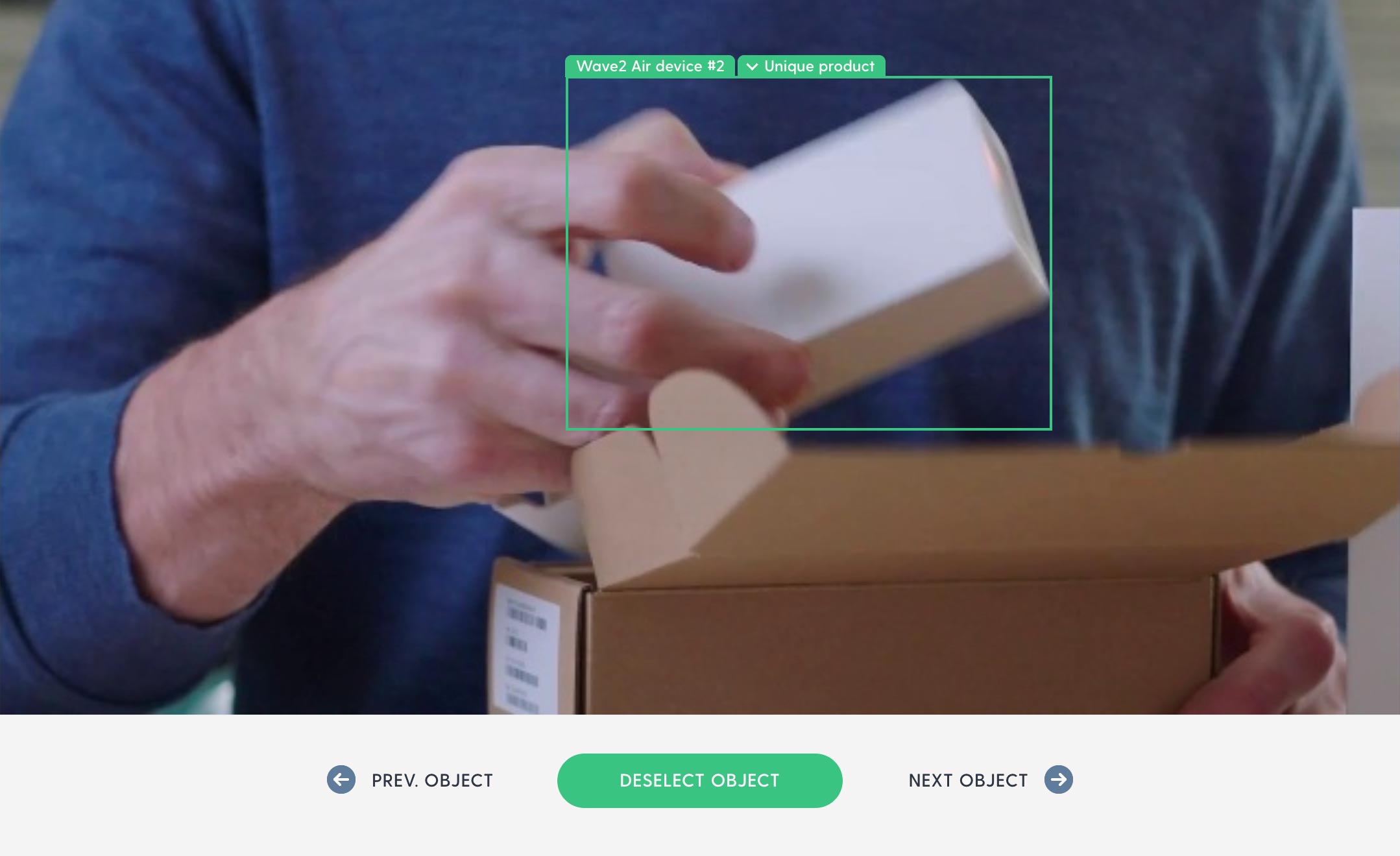
A key part of creating a Flowsam analysis is when you tell (tag) which objects in your ad are important/distinctive brand assets and messaging.
Previously, this required you to step through the video frame by frame and tag any object detected by Flowsam that added value to the ad’s branding and also mark its asset type. The tagged objects would then contribute to the ad’s score and be added to the final report. Precise tagging is important for getting the best result, but the process could in some cases be time-consuming – especially for long video ads.
We’re now introducing “Easy tagging” – a new way of tagging objects that works a lot faster.
With Easy tagging, you step through the detected objects one object at a time instead of frame by frame. An object in a video can easily span multiple frames, so jumping between objects instead of frames goes a lot faster. Tagging can be done exclusively with keyboard shortcuts, so you don’t need a lot of mouse movement and clicking. Just use the right- and left arrow keys to navigate and the space key to tag.
Flowsam automatically detects if a tagged object is Messaging (marked with orange) or Brand (marked with green). And it recognizes most brand logos and immediately marks them as a logo asset type. If a logo isn’t recognized or an object belongs in another category, it can easily be changed.
You can still mark an object’s asset type during tagging, but you don’t need to (which makes the process faster). You can do that afterwards in the report – or you can skip this entirely if it’s not important for you to group the tagged objects by asset type in the report.
Happy tagging 😀